
Attendance software that works with Realtime biometric machines
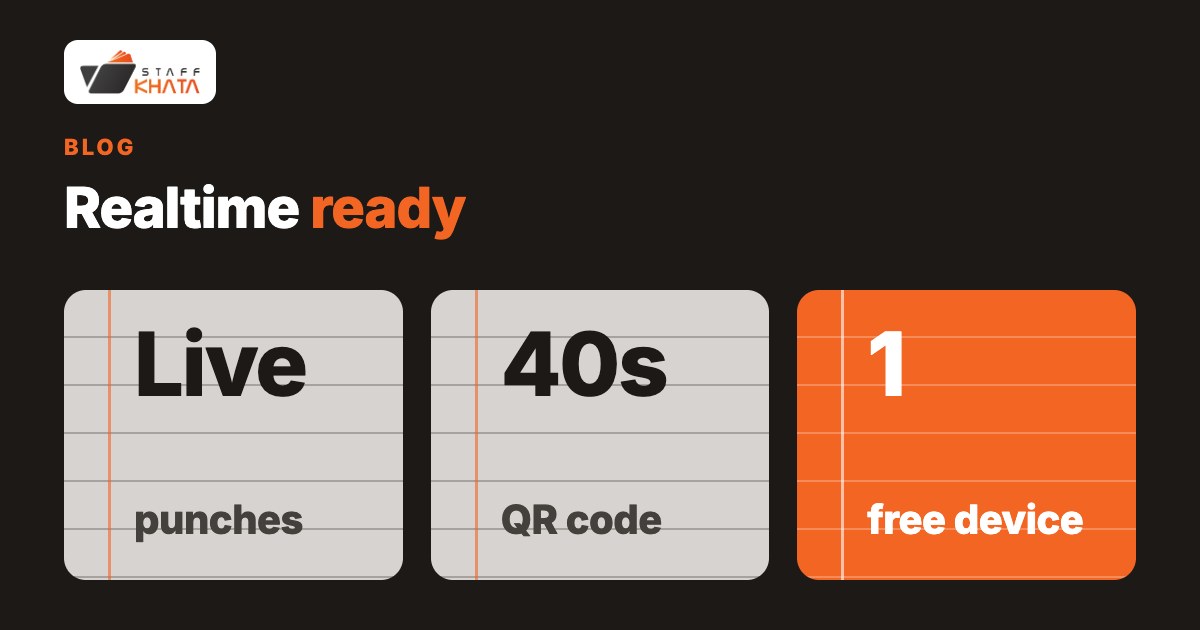
Staff Khata is attendance and payroll software that works with Realtime biometric machines: you connect your Realtime fingerprint or card machine to Staff Khata and every punch is sent to the cloud over the internet as it happens, linked to the right employee and flowing straight into attendance and payroll. The free Starter plan includes one Realtime device connection for up to 50 staff, so a single-location shop or office can run its existing machine at no cost, and you can mix machine punches at the gate with selfie + GPS punches on the phone for field staff in the same system.
By Staff Khata. Published 14 November 2026. Updated 14 November 2026.
Which attendance software works with Realtime biometric machines?
Staff Khata connects Realtime biometric machines and turns their punches into live, cloud attendance. The machine sends each fingerprint or card punch to Staff Khata over the internet the moment it happens, so you see attendance on your dashboard in real time instead of exporting a file from the device at month end. Because the punches land in the same system as leave, holidays and salary structures, they feed payroll directly. Staff Khata works with Realtime machines; it does not claim to support other machine brands.
How does a Realtime machine connect to Staff Khata?
The machine talks to Staff Khata over the internet, so once it is connected and online, punches appear on your dashboard without any manual export. A few things worth knowing:
| Feature | What it does |
|---|---|
| Live punches | Each fingerprint or card punch reaches Staff Khata within seconds, linked to the enrolled employee |
| Machine-offline alert | A WhatsApp message when a connected Realtime machine goes offline, and again when it comes back |
| QR punch at the machine | Staff can punch by showing a QR code from the app; the code changes every 40 seconds, so a screenshot cannot be reused |
| Works from any country | Machines connect over the internet from any branch, each with its own time zone |
| Into payroll | Punches become working days, loss of pay and paid days for each salary |
A fingerprint ties the punch to the person; a card on its own can be handed to someone else, so prefer fingerprint enrolment where buddy-punching is a worry. The number of machines you can connect beyond Starter's one device depends on your plan — check pricing.
Can staff punch at the machine without a fingerprint?
Yes — with a QR code. On the Punch In screen the employee chooses Machine Scanner, picks the machine, and the app shows a QR code valid for 40 seconds. The machine scans it and the punch reaches Staff Khata linked to that employee. This needs a Realtime machine with a QR scanner, connected and online. It is useful for new joiners, worn fingerprints or a lost card, with no re-enrolment, and fingerprint and card punches keep working alongside it. See QR code attendance.
Do I have to use the machine for everyone?
No. Mobile punch (selfie + GPS) can be switched on per employee, so office staff use the Realtime machine at the gate while field and site staff punch from their phones — one system, one attendance record, one payroll. If an employee's mobile punch is off, they use their assigned Realtime machine and can still see attendance, apply for leave and download payslips in the app.
Who is this for, and who is it not for?
A good fit: Indian shops, factories, clinics and offices with 10 to 500 staff that already have, or want, a Realtime biometric machine at the gate, including businesses with branches in more than one country. Starter is free for up to 50 staff with one Realtime device; see pricing and multi-country setup.
Not a fit, or needs a different setup:
- If your machine is not a Realtime device: Staff Khata connects Realtime machines, so confirm the model before buying.
- If staff have no fixed gate and work in the field: use selfie + GPS punch on the phone instead of, or alongside, a machine.
- If you need the QR punch: the Realtime machine must have a QR scanner and be online — confirm your model supports it.
Frequently asked questions
Does Staff Khata work with Realtime biometric machines?
Yes. It connects Realtime fingerprint and card machines, which send each punch to Staff Khata over the internet as it happens.
Do I need internet for the machine?
Yes. The machine sends punches to Staff Khata over the internet, and you get a WhatsApp alert if it goes offline.
Can staff punch with a QR code instead of a fingerprint?
Yes, at a Realtime machine with a QR scanner. The app shows a QR code valid for 40 seconds, so an old screenshot will not work.
How many machines can I connect?
Starter is free for up to 50 staff with one Realtime device. Higher plans allow more; see pricing.
Can I use phones and machines together?
Yes. Switch mobile punch on per employee and keep others on the machine; it is one attendance record either way.
More from StaffKhata
 Nov 14, 2026 • 5 min read
Payslips with PF and ESI deductions, without hiring an accountant
Switch on PF and ESI, assign salary structures, run payroll from attendance and share payslip PDFs — how a small business does its own payroll in Staff Khata.
 Nov 14, 2026 • 6 min read
How to move from a paper attendance register to an app: 4 steps
Create a free account, add staff, pick a punch method and run both for a week: what changes from paper or Excel, whether staff need smartphones, data safety and what it costs.
 Nov 14, 2026 • 7 min read
How to stop fake attendance from home: GPS, selfie and QR methods that work
Geo-fenced selfie + GPS punches, a QR code that changes every 40 seconds and Realtime fingerprint machines: which cheat each one stops, and where each falls short.