

Leave management for small business
Set leave types with carry forward and approval rules, let staff apply from the app, approve in one click and import your holiday calendar from Excel.
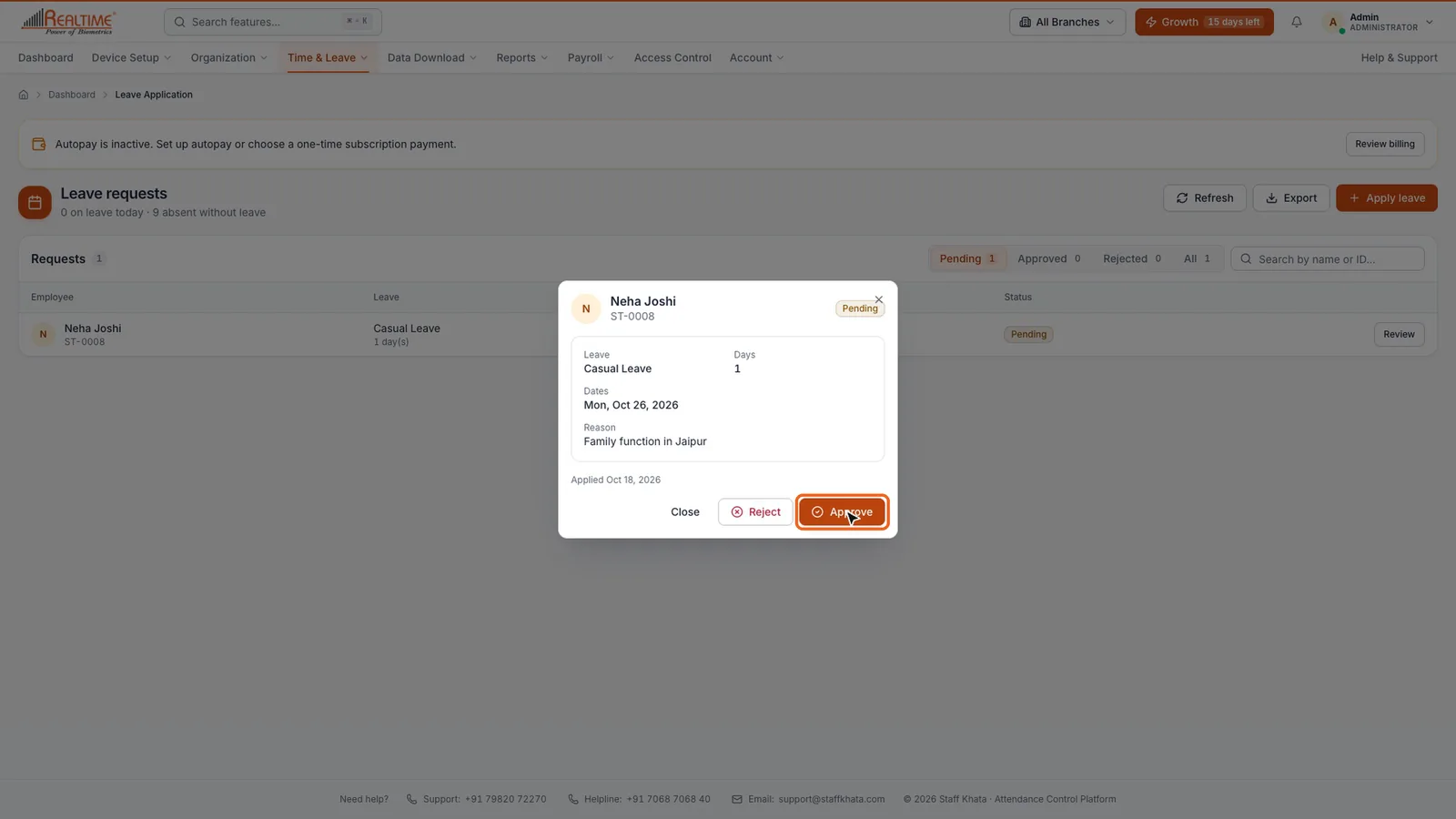

Real app screen
How Staff Khata does it

Your own leave types
Casual, sick, earned, comp-off or any type, each with days per year and a colour.

Carry forward or lapse
Choose per leave type whether unused days move to next year.
Approvals
Requests go to the reporting manager or HR when a type needs approval.

Leave balances
Allowed, used and left for each employee and type, by financial year. Export to Excel.

Holiday calendar import
Download the template, fill name, type and date, and import all holidays at once.

Apply from the app
Full day, half day or date range, with status visible to the employee.
In short
Staff Khata lets you define leave types with days per year, carry-forward and approval rules, see every employee's allowed, used and remaining leave, and approve or reject requests in one click. Staff apply for a full day, half day or several days from the app or the web, and you can apply on their behalf. Holidays can be added one by one or imported from an Excel or CSV file, as full or half days.
Leave and holiday management is on the Growth plan.See plans
Set up in 4 steps
Step 1: Define leave types under Organization → Define Leave.
Step 2: Set opening balances and check them under Leave Opening Entry.
Step 3: Import or add your holidays under Define Holiday.
Step 4: Staff apply from the app; managers approve under Leave Application.
Frequently asked questions
How many leaves are employees entitled to in India?
It depends on the state Shops and Establishments Act or the Factories Act. Under the Factories Act, a worker earns one day of leave with wages for every 20 days worked in a year. Many shops give 12 casual or sick leaves plus earned leave per their state law.
Can unused leave be carried forward?
In Staff Khata you choose per leave type. Legal limits on carry forward and encashment come from your state law; earned leave under the Factories Act can be carried forward up to 30 days.
Can an employee apply for half-day leave?
Yes. Staff can apply for one day, half a day or several days from the app or the web.
Read the manual
Related free tools
Attendance to salary, in one app
Every feature unlocked for 15 days. Free forever for attendance up to 50 staff.