

Employee self-service on the app and web
Employees punch in with a selfie, see their attendance calendar, request corrections, apply for leave, download payslips and send expense claims from the Staff Khata app or web.
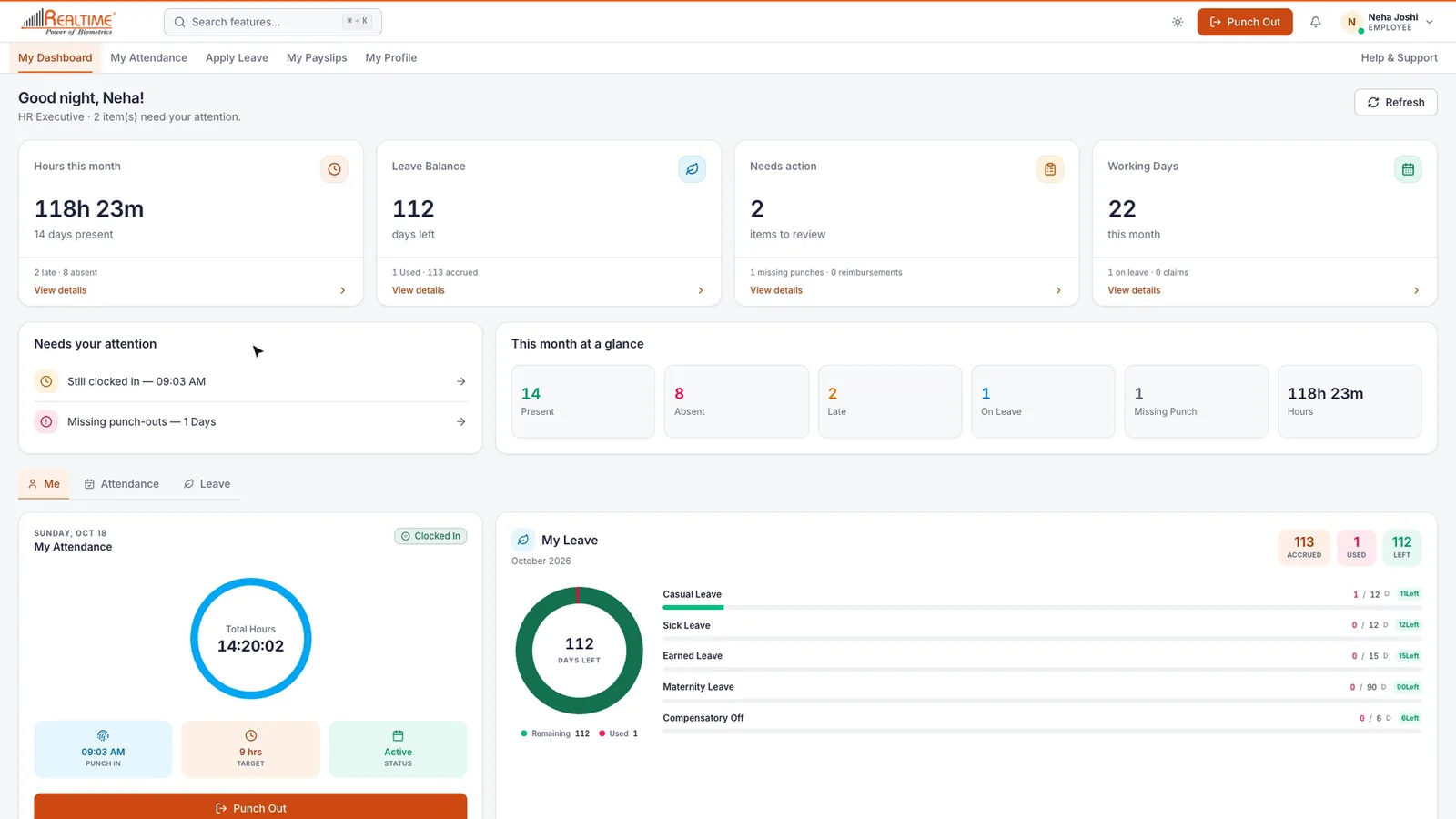

Real app screen
How Staff Khata does it

Punch with a selfie
From the app, or from a browser with camera and location allowed.

Attendance calendar
Each day's punch timeline, location and photos.

Request a correction
Fix a wrong or missing punch with the right times and a reason.

Apply for leave
Full day, half day or date range, with balances and request status.
Download payslips
Any month's payslip as a PDF, no need to ask HR.

Claims and reimbursements
Send an advance or expense claim with a photo or PDF of the bill.
In short
With their own Staff Khata login, employees can punch in and out with a selfie and location, see a calendar of their attendance with punch times and locations, request a correction for a wrong or missing punch, apply for full-day, half-day or multi-day leave and see its status, download any month's payslip as a PDF, and send advance or expense claims with a photo of the bill. It works on Android, iPhone and the web.
Employee login on web and mobile is on the Growth plan.See plans
Set up in 4 steps
Step 1: Invite employees on WhatsApp (the link works for 7 days) or add them with their email and mobile number.
Step 2: Set a password for each, and enable mobile punch for those who punch from a phone.
Step 3: Employees sign in on the app or web.
Step 4: Requests for corrections, leave and claims arrive for you to approve.
Frequently asked questions
Can employees download their payslip from the app?
Yes. Under Payslip, employees pick any month and tap Download PDF.
What if an employee's mobile punch is switched off?
They use their assigned Realtime biometric machine instead, and can still see their attendance, apply for leave and download payslips in the app.
Can employees see other employees' data?
No. An employee login shows only that person's own attendance, leave, payslips and profile.
Read the manual
Related free tools
Attendance to salary, in one app
Every feature unlocked for 15 days. Free forever for attendance up to 50 staff.