

Attendance updates on WhatsApp
Get a daily attendance summary on WhatsApp every night, a monthly report as a file, device-offline alerts, and check-in, late and missing-punch alerts from your own WhatsApp Business number.
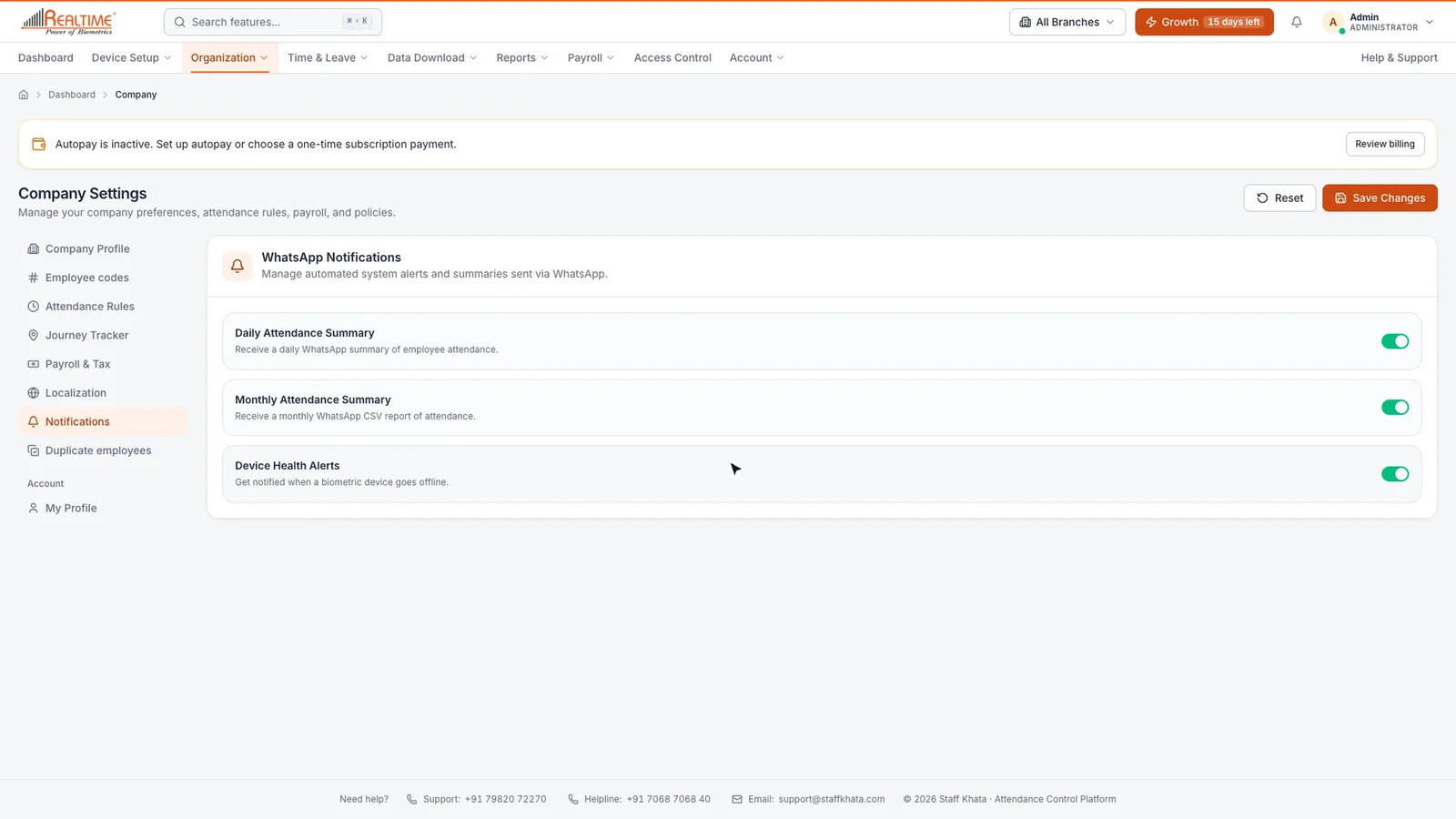

Real app screen
How Staff Khata does it
Nightly attendance summary
Who came, who was late and who was absent, without opening the app.

Monthly report on WhatsApp
The month's attendance as a CSV file you can forward to your accountant.

Machine offline alert
A WhatsApp message when a Realtime biometric machine goes offline, and again when it is back.

Late and missing-punch alerts
Event templates for check-in, check-out, late arrival, missing punch and leave.

SMS through any provider
MSG91, Fast2SMS, or any other provider through a custom URL with your own method, body, login and field mapping.

Test, pause and log
Preview each template, send a test, pause an event, and check the delivery log.

Webhooks
Send attendance events to your own software with a webhook URL.
In short
Staff Khata sends the owner a WhatsApp summary of the day's attendance every night, a monthly attendance report as a CSV file, and an alert when a biometric machine goes offline. With your own WhatsApp Business number connected, you can also send alerts for 8 events (check-in, check-out, late arrival, missing punch, leave applied, approved or rejected, and the daily summary) to the employee, to up to 20 alert numbers, or both, using templates approved by Meta. Employees also get WhatsApp updates on their leave requests and HR tickets. SMS alerts work through MSG91, Fast2SMS or any provider with a custom URL.
Set up in 4 steps
Step 1: Switch on daily and monthly summaries and device alerts under Organization → Company → Notifications.
Step 2: Optional: connect your WhatsApp Business number with your Meta access token and phone number ID.
Step 3: Add approved templates for the events you want and choose who receives them.
Step 4: Send a test message, then switch the event on.
Frequently asked questions
Can I get my staff attendance report on WhatsApp?
Yes. Staff Khata can send a daily attendance summary every night and a monthly attendance report as a CSV file on WhatsApp.
Can employees mark attendance by sending a WhatsApp message?
No. Attendance is marked with a selfie + GPS punch in the app or on a Realtime biometric machine, which gives proof of who and where. WhatsApp is used for summaries and alerts.
Do I need a WhatsApp Business API account?
Not for the built-in daily and monthly summaries. To send event alerts from your own number, you connect a WhatsApp Business number through Meta with approved message templates.
Read the manual
Related free tools
Attendance to salary, in one app
Every feature unlocked for 15 days. Free forever for attendance up to 50 staff.