

QR code attendance with a code that changes every 40 seconds
Staff show a QR code from the Staff Khata app at a Realtime biometric machine to punch in. The code changes every 40 seconds, so a screenshot cannot be reused.
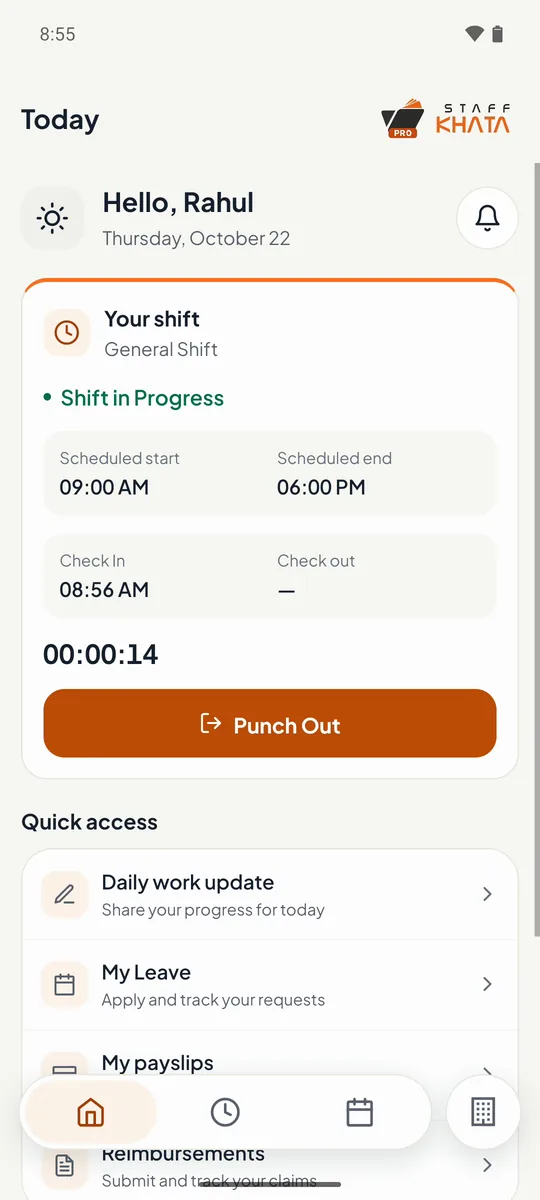
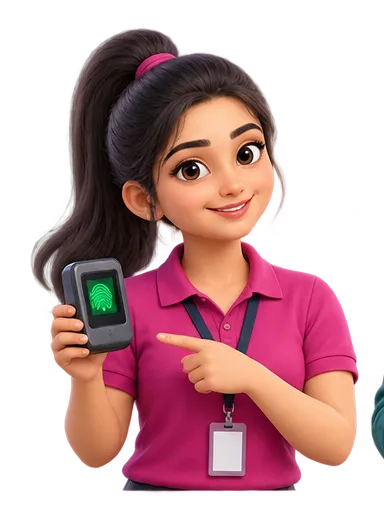
Real app screen
How Staff Khata does it

A fresh code each time
Each QR code is valid for 40 seconds. Tap Get New QR Code for another.

No enrolment needed
Useful for new joiners, worn fingerprints or a lost card, without re-enrolling at the machine.

Full-screen and bright
Expand the code to full screen at full brightness so the scanner reads it first time.

Pick the machine
Staff choose which machine they are at; it must be online.
Same live punch
A QR punch lands in attendance like any fingerprint punch, with shifts, late marks and overtime applied.

Android and iPhone
Works in the Staff Khata app on both.
In short
With Staff Khata, an employee can punch at a Realtime biometric machine by showing a QR code from their own app instead of a fingerprint or card. On the Punch In screen they choose Machine Scanner, pick the machine, and the app shows a QR code that is valid for 40 seconds. The machine scans it and the punch reaches Staff Khata within seconds, linked to that employee. Because the code keeps changing, an old screenshot will not work.
QR punch uses the employee app, which is on the Growth plan.See plans
Set up in 4 steps
Step 1: Connect your Realtime machine to Staff Khata and send employees to it.
Step 2: Employees sign in to the Staff Khata app.
Step 3: At the machine, they open Punch In, choose Machine Scanner and pick the machine.
Step 4: They hold the QR code to the machine's scanner; the punch appears on your dashboard.
Frequently asked questions
Can someone punch with a screenshot of the QR code?
Not for long. Each QR code is valid for 40 seconds, so a screenshot stops working almost straight away.
Does QR attendance need a special machine?
It needs a Realtime biometric machine with a QR scanner, connected to Staff Khata and online.
Can staff use both fingerprint and QR?
Yes. QR is another way to punch at the same machine; fingerprint and card punches keep working.
Read the manual
Related free tools
Attendance to salary, in one app
Every feature unlocked for 15 days. Free forever for attendance up to 50 staff.