

How to move from a paper attendance register to an app: 4 steps
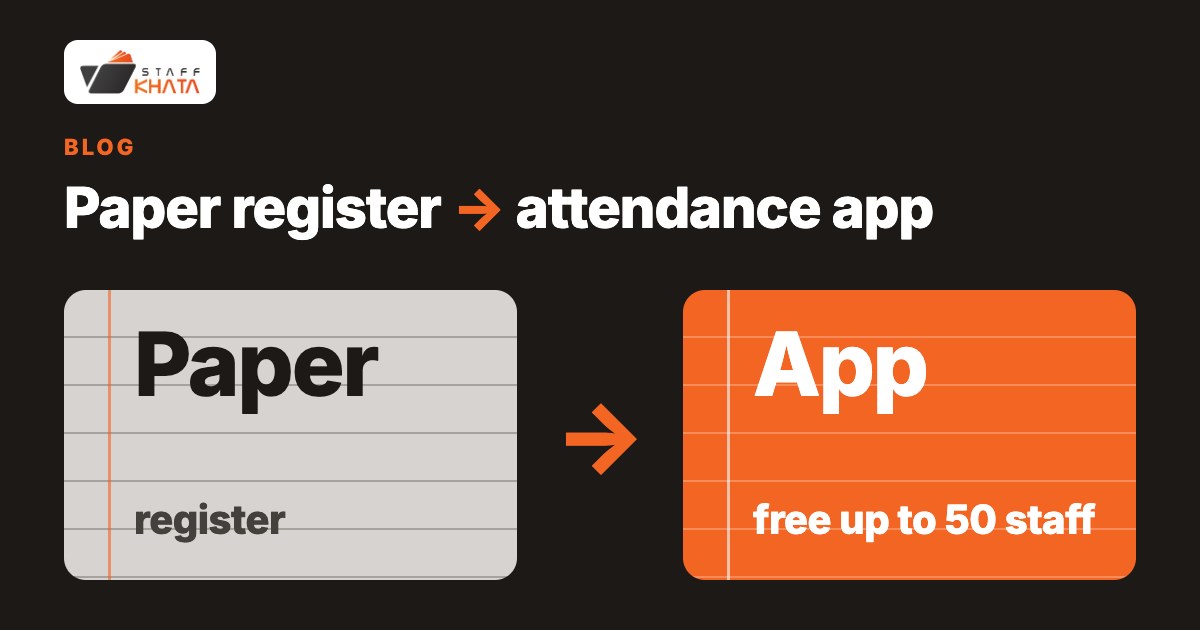
The easiest way to move from a paper attendance register to an app is to create a free Staff Khata account, add your staff, choose one way for them to punch, and go live. For the punch you have two options: a Realtime biometric machine (free on the Starter plan for up to 50 staff), or selfie + GPS on staff phones (Growth plan, 15-day free trial with no credit card). You can run the paper register beside the app for a week or two, then stop writing in it. Nothing about the move needs a computer expert.
By Staff Khata. Published 13 November 2026. Updated 13 November 2026.
What is the easiest way to move from a paper register to an attendance app?
Do it in four steps, in this order, and keep the book until you trust the app.
- Create a free account. The Starter plan is free forever for up to 50 active employees and needs no credit card. See pricing.
- Add your staff. Enter each employee in the app, one by one. (Whether a spreadsheet can be uploaded in one go is not confirmed on this page, so do not plan around it; see the Excel section below.)
- Pick a punch method. Choose the proof you want for each person: a Realtime biometric machine at the gate, a QR code from the app scanned at that machine (the code changes every 40 seconds), or a selfie with GPS location on the phone.
- Go live and run both for a short while. Keep the paper register for the first days, compare it with the app at the end of each week, then retire the book.
Staff Khata says a business can be live the same day on Starter. How long your own setup takes depends mostly on how many people you have to add and whether a machine is already installed.
Paper register or Excel versus an attendance app: what changes?
| Paper register | Excel or Google Sheets | Staff Khata app | |
|---|---|---|---|
| Effort | Someone writes or signs every day, and totals the month by hand | Someone types attendance in, then maintains the formulas | Punches arrive on their own; you review exceptions |
| Errors | Anyone can sign for someone else; totals are added by hand | One broken formula can underpay a whole team | Each punch records who, when and (with mobile punch) where |
| Payroll | Worked out by hand or in a calculator | Formulas you build and keep correct | Salary, PF and ESI are worked out from attendance (Growth plan and above) |
| Proof | A signature on paper | Typed numbers with no proof of presence | Selfie + GPS on each mobile punch, or a biometric or QR punch at the machine |
| Cost | Cost of the book, plus owner or accountant time every month-end | Free, plus the time spent typing and fixing | Free up to 50 staff on Starter; Growth is ₹0.50 per employee per day, before GST |
For a team under about 10 that the owner sees every day, a paper register is fine. The longer comparison is on attendance app vs paper register vs Excel.
How do I migrate from an Excel attendance sheet?
Treat the sheet as your staff list and your archive, not as something to convert. Copy names and details into the app, then keep the old workbook as a read-only record of past months. From day one, the app becomes the only place attendance is recorded, so you stop typing it in.
Going the other way is easy: you can export daily muster rolls, monthly salary sheets, overtime summaries and statutory reports from Staff Khata to Excel, CSV or PDF for your accountant. If you still want a sheet for now, the free timesheet template works without sign-up.
Do my staff need smartphones?
No. If your staff do not carry smartphones, use a Realtime biometric machine: staff punch on the machine and the punch reaches Staff Khata over the internet. Starter includes the connection for 1 machine. On the Growth and Pro plans staff can also punch from the app on Android or iPhone, so a machine becomes optional. You can switch mobile punch on or off for each employee, so a mixed team can use both. The app works in 55 languages, including Hindi, and each person picks their own (attendance app in Hindi and 55 languages).
Is my data safe if I stop using paper?
Data travels over encrypted HTTPS connections, and each person sees only what their role allows: owner, HR, manager or employee. Salary details stay with the people you give access to. A paper book can be lost, damaged or quietly edited; in the app, corrections are requested with a reason and approved on the web, so a change leaves a trail.
Records can also be kept electronically in the format an inspector expects: Staff Khata can print the muster roll (Form 25) and other statutory registers from attendance and payroll. See statutory registers.
What does it cost to start?
- Starter: free forever for up to 50 active employees, with 1 biometric device and daily attendance logs and a web register. No credit card.
- Growth: ₹0.50 per employee per day. Adds payroll, leave and the mobile app (selfie + GPS punch). 15-day free trial, no credit card.
- Pro HRMS: ₹1 per employee per day, adds field tracking.
Prices exclude GST. You can upgrade or downgrade from your dashboard as the team grows. For phone punching with a geo-fence, see GPS attendance app; for the machine QR option, QR code attendance.
Who is this for, and who is it not for?
A good fit: Indian shops, factories, clinics and offices with 10 to 500 staff that still use a register or an Excel sheet and want proof of who was present and salary worked out from it.
Not a fit, or think twice:
- A team of a few people you see every day: a paper register is cheaper and good enough.
- Staff with no smartphones and no budget for a machine: Starter needs a Realtime biometric machine to record attendance, and Staff Khata connects Realtime machines only.
- If you need your past attendance moved into the app: do not assume it can be imported. Keep the old register or workbook as your archive.
Frequently asked questions
Is a paper attendance register legally required?
Attendance and wage records are required under the Shops and Establishments Acts and the Factories Act, but they can be on paper or electronic. An app that can export the prescribed format meets the same need.
How long does setup take?
Staff Khata says you can be live the same day on Starter. The time depends on how many staff you add and whether your machine is already installed.
Can I try it before paying?
Yes. Starter is free forever for up to 50 staff, and Growth has a 15-day free trial with no credit card.
Can I keep using Excel as well?
Yes. Staff Khata exports attendance and salary sheets to Excel, CSV and PDF.
Do I need a biometric machine?
Only on Starter. On Growth and Pro, staff can punch from the mobile app with a selfie and GPS, so a machine is optional.
More from StaffKhata
 Nov 14, 2026 • 5 min read
Attendance software that works with Realtime biometric machines
Connect a Realtime fingerprint or card machine to Staff Khata: live cloud punches, a QR option, offline alerts, and one free device on Starter.
 Nov 14, 2026 • 5 min read
Payslips with PF and ESI deductions, without hiring an accountant
Switch on PF and ESI, assign salary structures, run payroll from attendance and share payslip PDFs — how a small business does its own payroll in Staff Khata.
 Nov 14, 2026 • 7 min read
How to stop fake attendance from home: GPS, selfie and QR methods that work
Geo-fenced selfie + GPS punches, a QR code that changes every 40 seconds and Realtime fingerprint machines: which cheat each one stops, and where each falls short.