

Bank salary file, PF ECR, ESIC and PT from one payroll run
Make the bank salary transfer file, PF ECR, ESIC contribution file, professional tax statement and monthly TDS from the same payroll run, in one Payroll Dashboard.
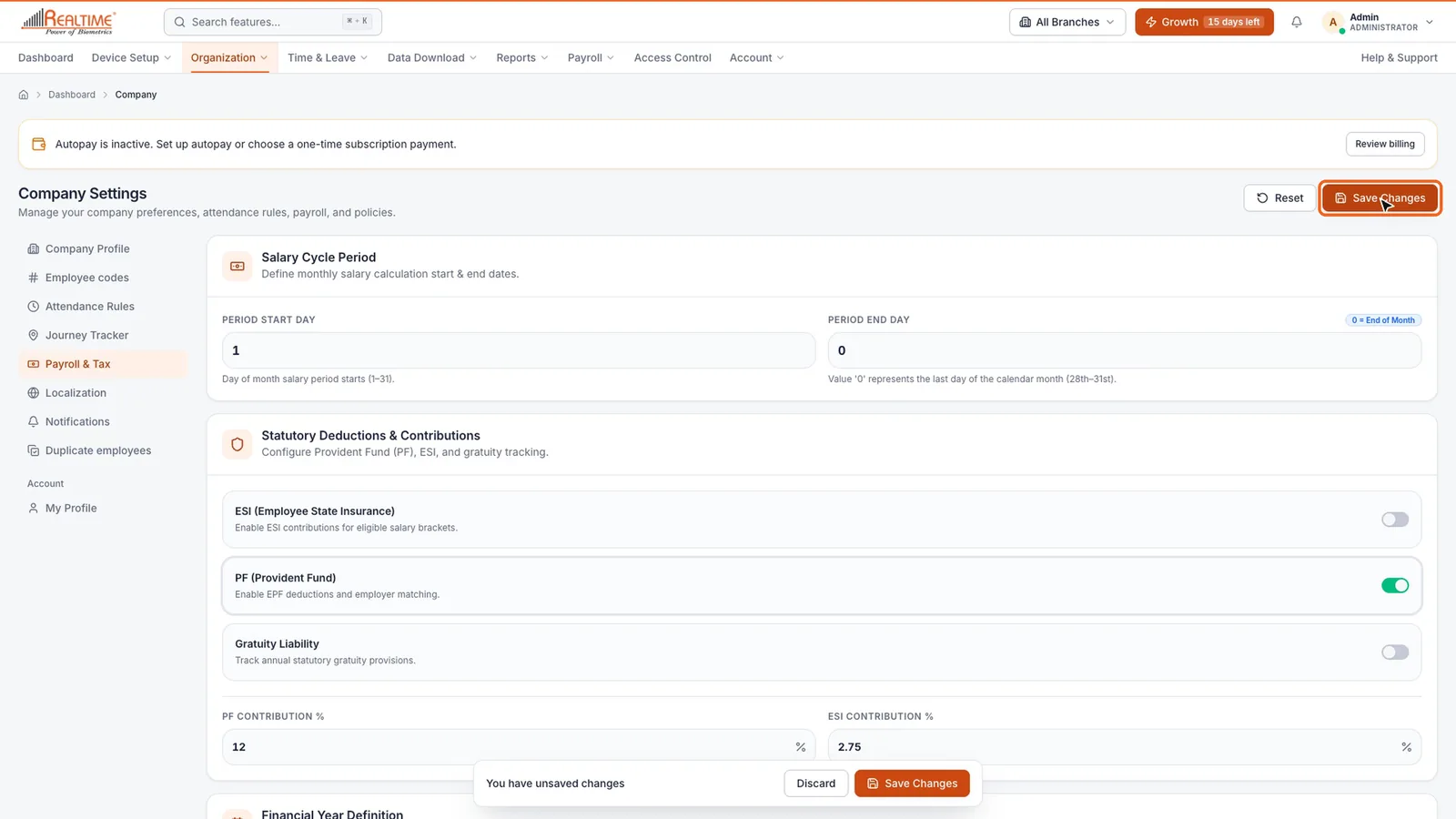

Real app screen
How Staff Khata does it

Bank salary transfer file
One file for the month's salaries from your company account. NEFT or RTGS is picked by amount, with layouts for HDFC, ICICI, SBI, Axis, Kotak, PNB and others, or your own layout.

PF ECR file
The ECR text file built from payroll, ready to upload on the EPFO portal.

ESIC contribution file
The month's employee and employer ESI contributions as a file for the ESIC portal.

Professional tax by state
A PT statement with slabs for each state your staff work in.

TDS on salary
Tax worked out under Section 192, pushed into monthly payroll, with Form 12BB declarations reviewed and approved.

Statutory reports
PF Form 3A and 6A, ESI Form 5 and 7, a TDS 24Q annexure, salary variance and annual CTC, exported as CSV.
In short
Once payroll is run, the Staff Khata Payroll Dashboard turns it into the files you need each month: a salary transfer file for your bank, the PF ECR text file for the EPFO portal, the ESIC monthly contribution file and a state-wise professional tax statement. It also works out income tax on salary under Section 192 and can add the monthly TDS to payroll, reviews employees' Form 12BB declarations, and exports PF, ESI and TDS annexure reports as CSV.
Payroll and the Payroll Dashboard are on the Growth plan.See plans
Set up in 4 steps
Step 1: Set PF, ESI and gratuity under Company Settings → Compliance, and add your company bank account under Banking & Payouts.
Step 2: Run monthly payroll from attendance as usual.
Step 3: Open Payroll → Payroll Dashboard for the month.
Step 4: Download the bank file, PF ECR, ESIC file and PT statement, and upload each to its portal.
Frequently asked questions
Can Staff Khata generate the PF ECR file?
Yes. After payroll is run, the Payroll Dashboard creates the PF ECR as a text file you upload on the EPFO employer portal.
Which banks does the salary transfer file support?
There are ready layouts for HDFC, ICICI, SBI, Axis, Kotak and PNB, plus a generic CSV, a same-bank text file and Excel. You can also set up your own layout if your bank needs a different format.
Does Staff Khata file returns for me?
No. Staff Khata prepares the files and reports from your payroll; you or your accountant upload them on the EPFO, ESIC, bank and tax portals.
Does Staff Khata calculate TDS on salary?
Yes. It works out income tax on salary under Section 192 and can add the monthly TDS to payroll. Employees' Form 12BB declarations can be reviewed and approved in the dashboard.
Read the manual
Related free tools
PF Calculator
Calculate Provident Fund contributions, EPS, EDLI and accumulated corpus.
ESI Calculator
Calculate Employee State Insurance contributions for employee and employer.
Professional Tax Calculator
Calculate monthly professional tax based on your state and salary.
TDS Calculator
Calculate exact TDS deductions based on annual income and applicable tax regime.
Attendance to salary, in one app
Every feature unlocked for 15 days. Free forever for attendance up to 50 staff.