
Biometric machine or phone app for staff attendance: which one does your business need?
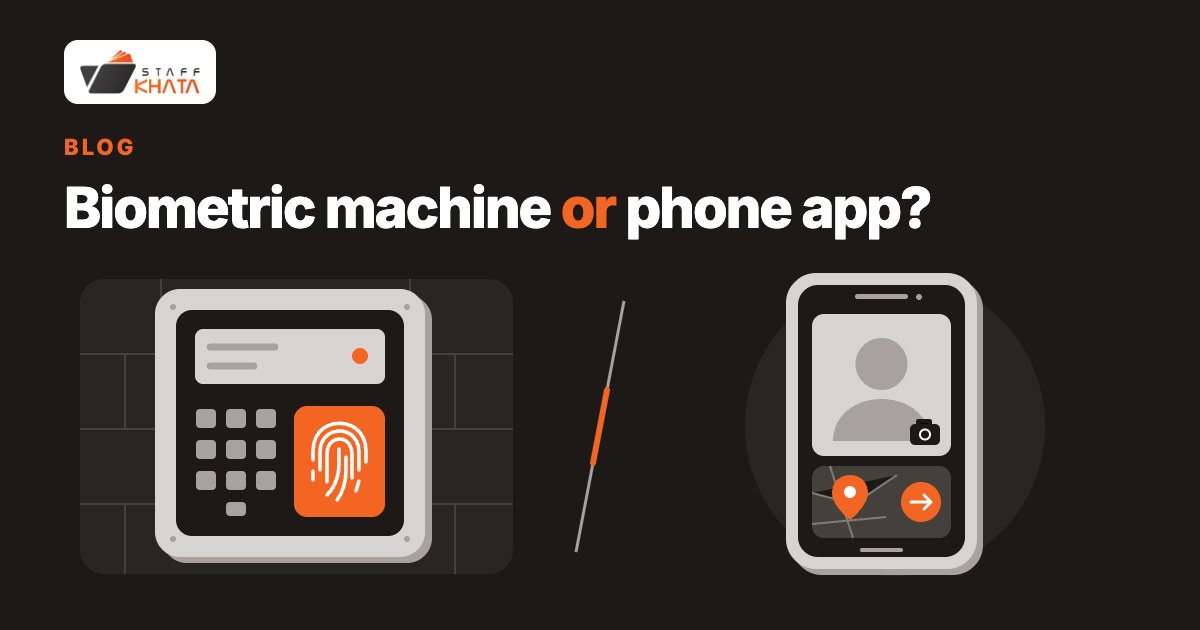
You do not need to buy a biometric machine if your staff can mark attendance through a phone app. A machine fits staff reporting to the same shop or factory gate, especially when you want attendance without relying on staff phones; a phone app fits employees working at other sites or in the field. For a mixed team, choose the method per employee rather than forcing everyone onto the same system.
When is a biometric machine the better fit?
Start with a machine if attendance happens at a fixed place and you want staff to punch there using a fingerprint or card. This is a sensible choice for a shop or factory team that reports to the premises, especially if you do not want employees to use personal phones for attendance.
If you already own a machine, check compatibility before choosing software. Staff Khata supports Realtime biometric machines bought from Realtime dealers. Do not assume that owning a biometric machine means it will connect to every attendance app.
A machine is a weaker fit for someone who starts work away from your premises. If a salesperson or service worker goes directly to a site, consider phone attendance for that person instead of requiring a gate punch first.
Separate fingerprint attendance from card attendance, too. A card can be handed to a colleague, so accepting a card does not by itself settle who attended. If proxy punching is your concern, consider fingerprint enrolment and review your attendance process rather than treating every machine punch as equally strong proof.
When is a phone attendance app the better fit?
Choose phone attendance when staff work at different branches or sites, or when you want to start without buying a gate machine. In Staff Khata, employees can punch in and out on Android or iPhone with a selfie and GPS location. An admin can review the punch on a map with its photo.
For staff who should be at a particular branch, geo-fencing adds a location rule. With geo-fencing enabled, Staff Khata accepts the punch only inside the radius you set around the branch and blocks punches outside it. Set that location deliberately; a field employee should not be expected to punch inside a shop radius while working elsewhere.
A selfie is evidence for you or a manager to review. It is not automatic face recognition: Staff Khata does not match faces automatically. If automatic face recognition on a phone is a deciding requirement, PagarBook Lens offers that attendance method, and PagarBook is worth comparing for that reason.
Phone attendance is a weaker choice for a team you do not want to depend on personal phones. Before choosing it, ask employees to try the actual punch process and decide how you will handle missed punches. Staff Khata lets employees request a correction with the right times and a reason, which you approve on the web.
Biometric machine or phone app: what should you compare?
Compare the attendance method and the software plan separately. This table is a decision guide using Staff Khata's supported methods; it is not a claim that all machines or apps work the same way.
| Question | Realtime machine attendance | Staff Khata phone attendance |
|---|---|---|
| Cost to start | Use a supported machine you own, or buy one separately. Starter software is free for up to 50 staff and 1 machine. | No biometric machine needed for selfie + GPS punches. Growth costs ₹0.50 per employee per day. |
| Works without staff phones? | Fingerprint or card punching does. The QR option uses the employee app. | The mobile method uses the employee's phone. Browser punches with a selfie and location are also supported. |
| Fits field staff? | Choose it for attendance at the machine rather than a worker starting at a distant site. | Mobile punching can be enabled per employee. Pro HRMS adds live field tracking at ₹1 per employee per day. |
| What helps prevent proxy attendance? | Fingerprint enrolment ties the punch to the person. Cards can be shared. | A selfie records the person punching; geo-fencing blocks punches outside the allowed radius. Photos need human review. |
| What setup should you plan? | Check Realtime compatibility and connect the machine to Staff Khata. | Set the branch location and radius, enable mobile punching for the employee, and have them install the app and sign in. |
For a hardware price reference, our comparison page lists PagarBook's own iD device at ₹18,000 + GST, from a third-party listing, checked on 8 November 2026. This is a listed price for that device, not an estimate for Realtime machines or biometric machines generally. Ask the supplier for a current quote before purchasing; see the attendance app comparisons for the recorded product differences.
Can you use a biometric machine and a phone app together?
Yes. Staff Khata lets you enable mobile punching for field and site staff while keeping office staff on a Realtime machine. Decide per employee: who should punch at the premises, and who needs to mark attendance from another work location?
There is also a phone-assisted machine option. Staff Khata's QR attendance displays a code in the employee app for an online Realtime machine with a QR scanner to read. Each code is valid for 40 seconds, so an expired screenshot will not work. This requires the Growth employee app and a suitable machine; it is not machine-free phone attendance.
How does Staff Khata handle each option?
We make Staff Khata, so the important limits are worth stating plainly:
- Starter: free for up to 50 staff, with attendance from 1 Realtime biometric machine and daily reports. It includes neither payroll nor the mobile app. Free software does not mean a free machine.
- Growth: ₹0.50 per employee per day, adding the mobile app, selfie + GPS attendance and payroll. Choose this when staff need phone punches or you want attendance and salary calculation together.
- Pro HRMS: ₹1 per employee per day, adding live field tracking. A location recorded at punch time and live field tracking are different needs; choose based on what you need to review.
Review selfie + GPS attendance, proxy attendance controls and the plan details before choosing. If automatic face recognition is essential, compare a product offering it rather than expecting Staff Khata's selfie capture to do that job.
Questions owners ask before choosing
Can I take staff attendance without buying a biometric machine?
Yes. Staff Khata Growth supports selfie + GPS attendance through the employee app. A Realtime machine is needed for its machine-based fingerprint, card and QR methods, but not for selfie + GPS phone punches.
Is Staff Khata's free plan a free phone attendance app?
No. Starter covers up to 50 staff, attendance from 1 Realtime machine and daily reports. The mobile app and payroll are on Growth at ₹0.50 per employee per day.
Can an employee punch for a friend?
Cards can be shared. A selfie records whose face was present at a phone punch, while geo-fencing checks the allowed location. Review the photo when you need to verify identity; Staff Khata does not automatically match faces.
Can I keep my existing biometric machine?
Staff Khata supports Realtime biometric machines. Check that your existing machine is a supported Realtime device before choosing software around it; the QR method additionally needs a QR scanner and an online machine.
More from StaffKhata
 Nov 14, 2026 • 5 min read
Attendance software that works with Realtime biometric machines
Connect a Realtime fingerprint or card machine to Staff Khata: live cloud punches, a QR option, offline alerts, and one free device on Starter.
 Nov 14, 2026 • 5 min read
Payslips with PF and ESI deductions, without hiring an accountant
Switch on PF and ESI, assign salary structures, run payroll from attendance and share payslip PDFs — how a small business does its own payroll in Staff Khata.
 Nov 14, 2026 • 6 min read
How to move from a paper attendance register to an app: 4 steps
Create a free account, add staff, pick a punch method and run both for a week: what changes from paper or Excel, whether staff need smartphones, data safety and what it costs.